
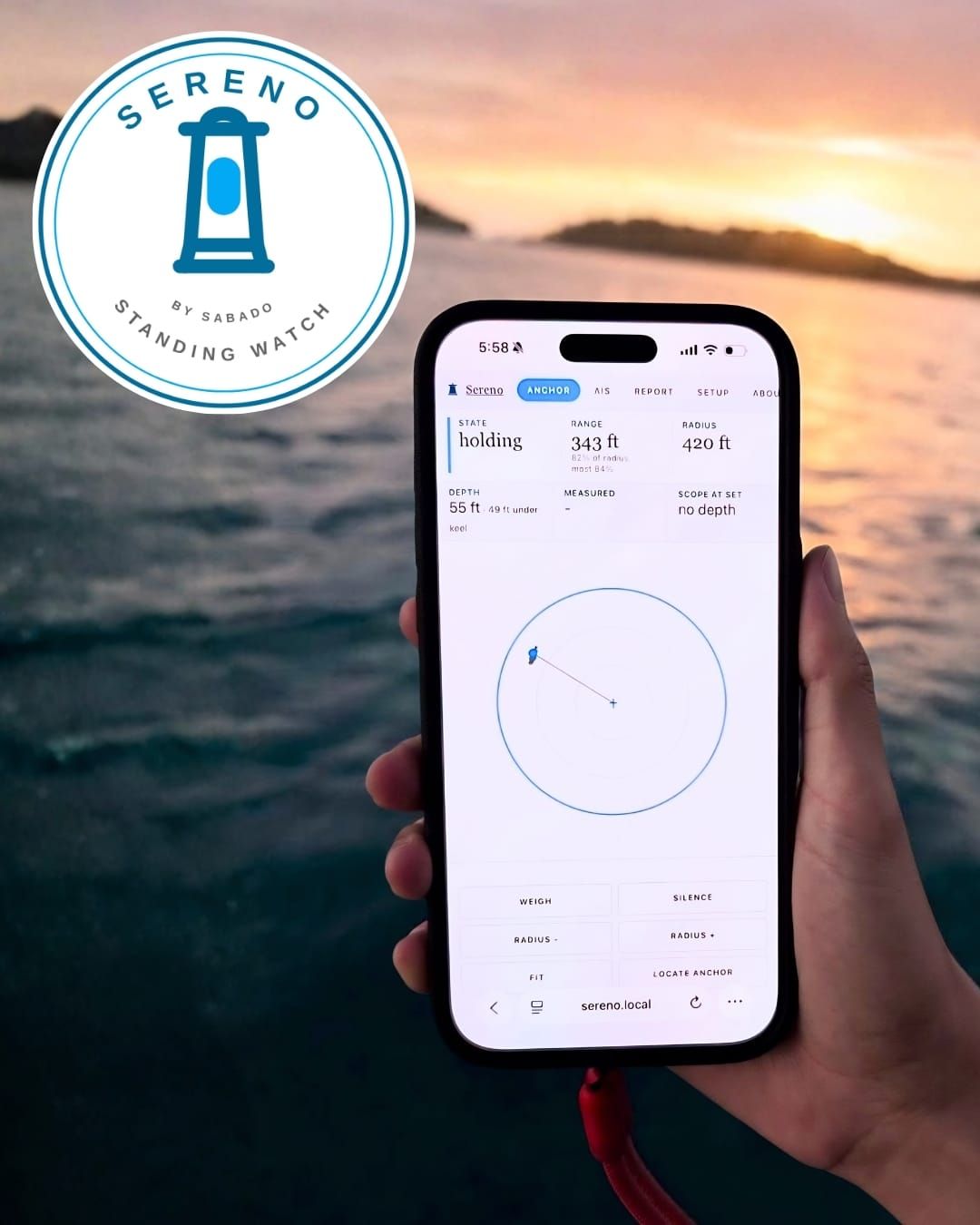
Because this is being actively developed, please review the change log for up to date information on the build.
A while back I wrote up the anchor watch we built on Home Assistant and SignalK. Measured rode instead of a guessed scope ratio, warnings that fire before the alarm does, a marina mode for when nobody's aboard. It works, and we still use it every night.
It also needs a server, a SignalK install, a Home Assistant instance and a boat network that stays up. That's a lot to ask of somebody who just wants to sleep through the night. Many cruisers looking for a good anchor watch might not have any of that.
So, we took the parts of that system that matter most and put them on a board that costs about eight dollars. That's Sereno, and this post is about giving it to you.
What it is
Sereno is an anchor watch and AIS collision device that runs on an ESP32 development board. It has its own alarm, serves its own web pages, and sends notifications to your phone. It's installed from a web browser in one click, with no toolchain and nothing to download.
This beta is only testing the firmware at this time. The hardware is currently being developed and will be a self contained small box with built in gnss receiver, speaker for the alarm, and touchscreen. The software that we’ve released for this beta will be the same.
Why not just use a phone app
We looked at writing one. There are good ones out there and they cost nothing to try, which is a real advantage over anything that involves buying a board.
The trouble is what a phone is. It sleeps, and the operating system decides which apps get to keep running overnight. Holding GPS open all night costs you the battery you need in the morning. And the alarm follows the phone, so if you dinghy ashore for dinner your anchor watch goes with you.
A board doesn't do any of that. One job, no operating system deciding it's not important, the boat's own position feed, and it stays with the boat. It also doesn't care what phone you carry, since everything it shows is on a web page viewable on any device with browser capability, including B&G Zeus MFDs . And it can raise the alarm in several places at once: a buzzer aboard, every phone in the crew, and the plotter at the helm.
If a phone app is the right answer for your boat, use Hooked. It's built by friends of ours who sail, and it's the one we'd point anybody toward. The free tier does the anchor alarm. AIS, remote monitoring and feeding it position from your plotter are on the paid tier, at $18 a year. It's iPhone and Mac only, so Android crews are out. This is one of the best phone apps.
The phone app is the anchor watch you can have in five minutes. This is the one still watching when the phone is in a bunk, on silent, ashore, or at four percent.
The name
Our boat's name is Spanish, so this one is, too. Sábado means Saturday, and Sereno was the night watchman who walked the streets calling the hour and the weather, and it's also the word for calm or clear. It's the same word for the man and for the condition he was reporting. The badge is a lighthouse.
Sereno Installation and first run
What to do after you've flashed the device and found it on your network. Written against firmware 2026-08-28-d.
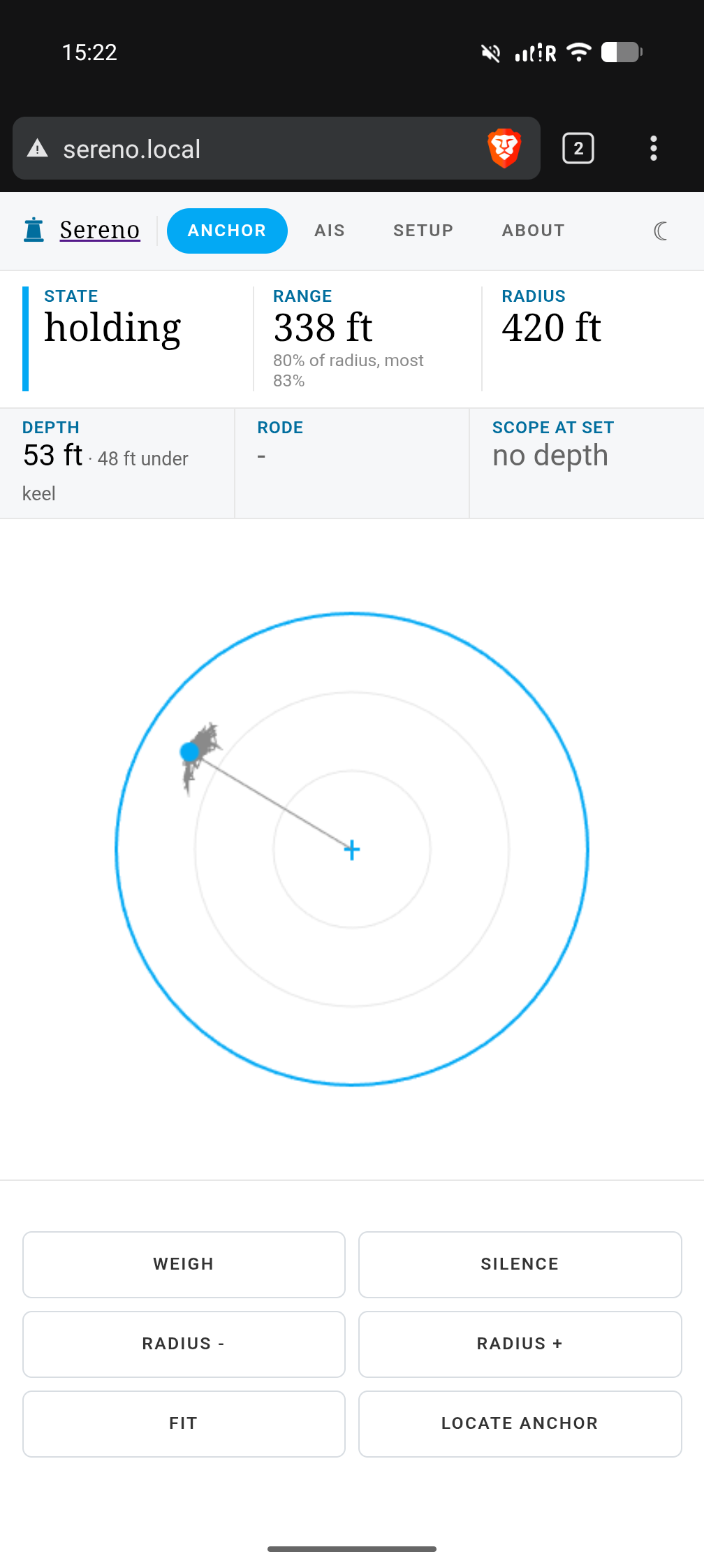
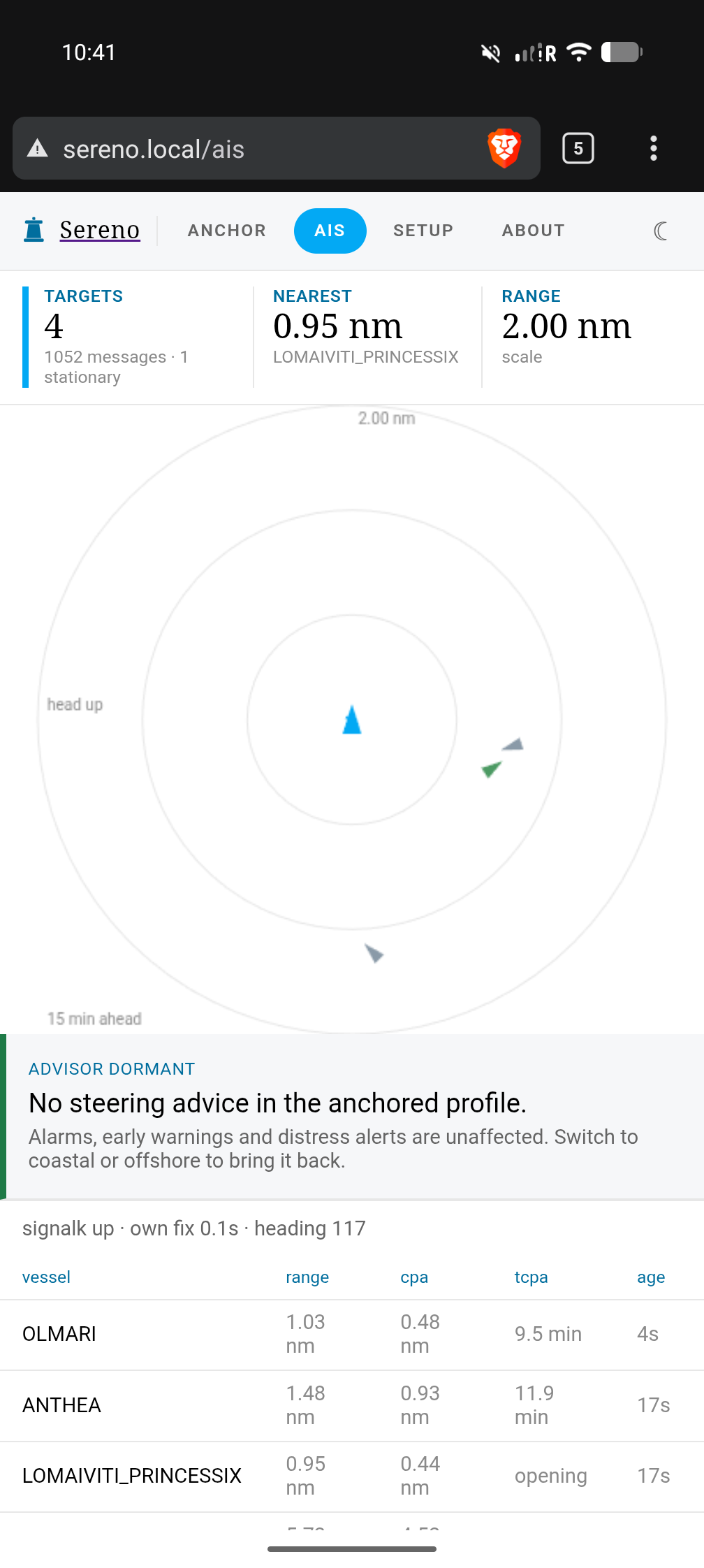
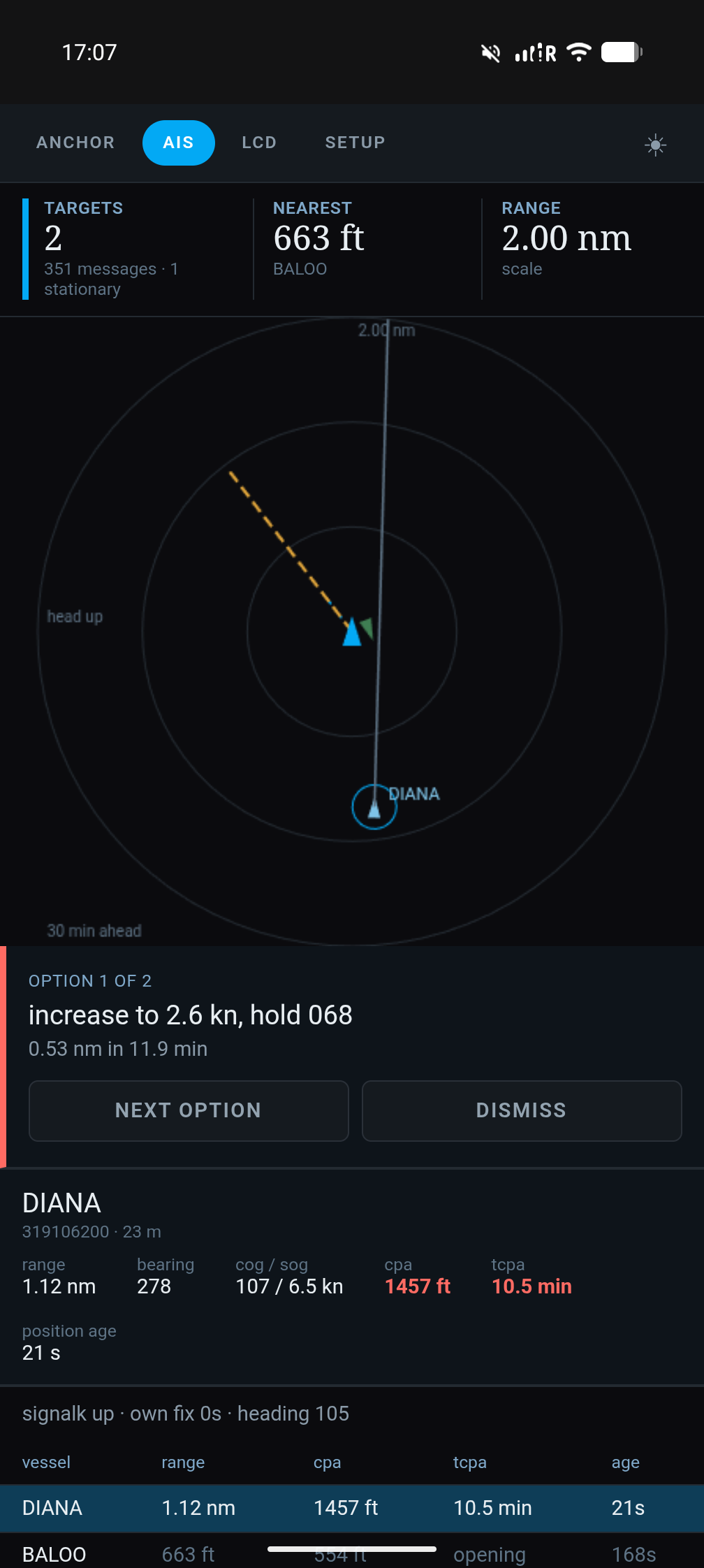
Work down this page and down the Setup screen together. They're in the same order on purpose.
Three of the sections need an account somewhere else: Pushover for phone alerts, Saillogger for logging, and a SignalK server for the safety report. All three are optional. The anchor watch works with none of them.
Before anything else: this is a beta
Sereno is in testing and is going out to a small number of people. We are requiring at least a free member account so we can better accept bug reports and work directly with our testers. If you want to run the beta outside our test program, just send us a message and we can provide the install link with the understanding that we won't be able to support you through the beta program.
Where to install it. The installer lives at: