
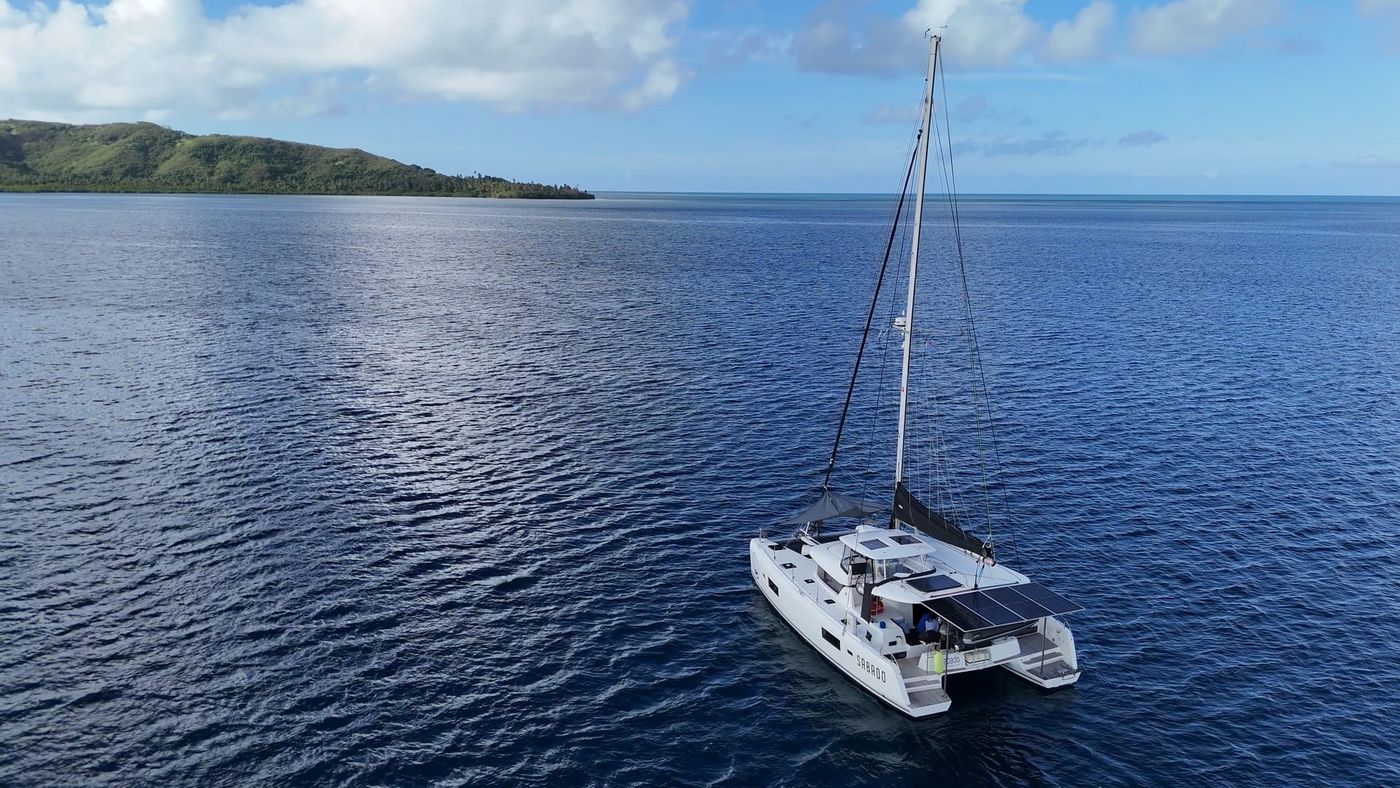
Holly and I take anchor watch seriously. Sleeping aboard with rocks on one side and a reef on the other means a dragging anchor isn't just a minor inconvenience, it's a serious safety concern. We've used handheld GPS alarms and a couple of phone apps over the years and have never been happy with them, so during our refit in New Zealand we built our own using Home Assistant, our Vesper Cortex, and SignalK.
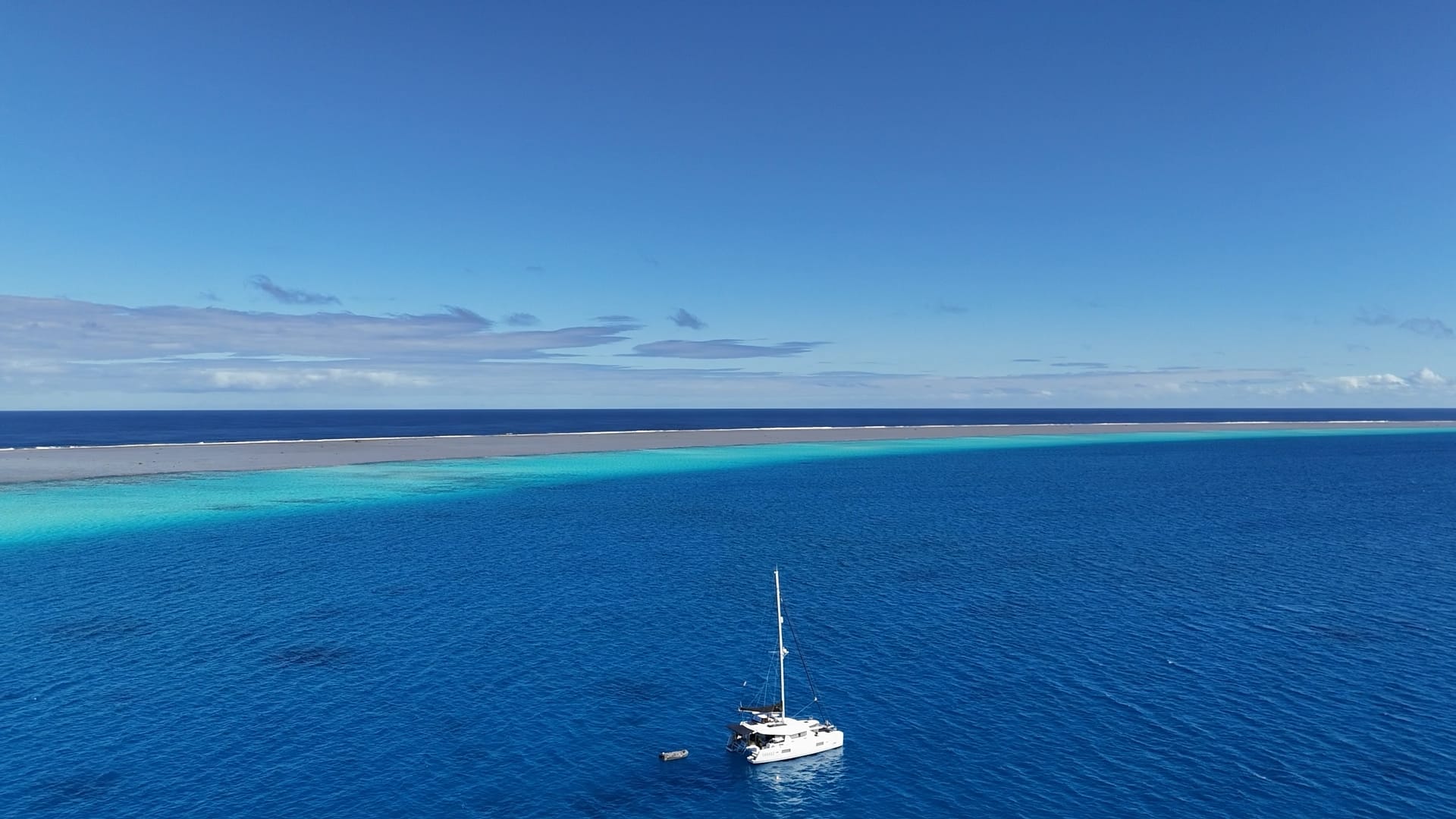
Why We Built Our Own
Most commercial anchor alarms just let you set a radius and call it done. That ignores how much rode you actually let out, how deep the water is, and where the anchor is sitting relative to the boat. We wanted the math to be right, not just close enough.
We also wanted a warning before the actual alarm, something that flags a problem developing rather than waiting until the boat has already dragged out of the circle. And we wanted redundancy: my phone, Holly’s phone, and a physical siren onboard, since phones can lose signal or run out of battery.
How It Works
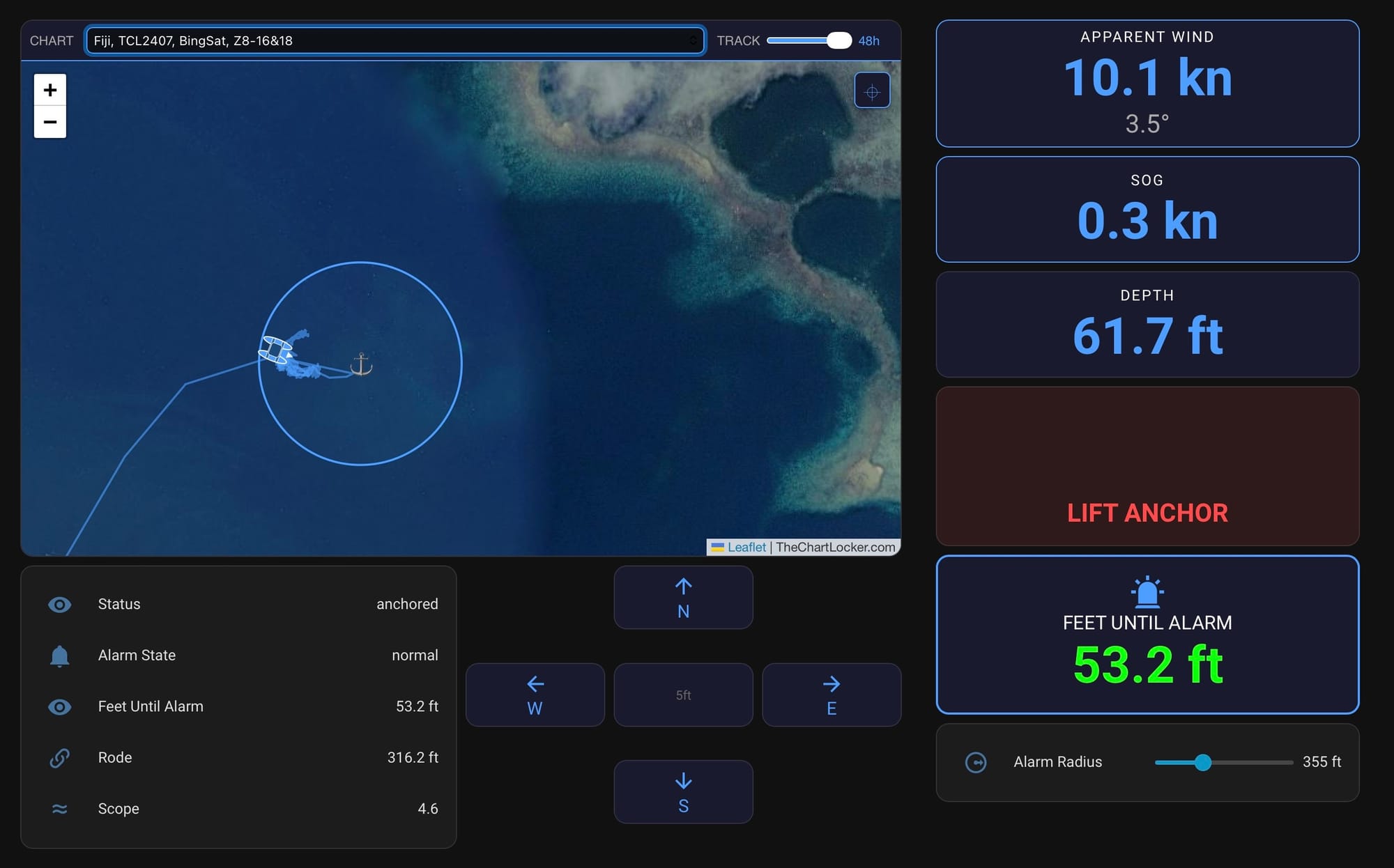
The integration pulls position, wind angle, wind speed, speed over ground, and depth from SignalK (fed by multiple sources) in real time.
Anchor Position and Alarm Radius
As we’re finding our position, the anchor watch screen shows the boat’s location on the chart and because it’s “seeing” the depth, it provides a suggested rode length as we move. We press Drop Anchor when the hook goes down, which records GPS position and depth. Then we back down to set it, and press Anchor Set. At that point the system calculates rode length with the Pythagorean theorem: horizontal distance moved while backing down, plus vertical distance from bow roller to seabed, gives actual rode length. Add a swing margin and that's the alarm circle.
The scope ratio shown on the dashboard is now calculated from what actually happened rather than assumed. That's been useful, considering a couple of times we thought we had more scope out than the math said we did.
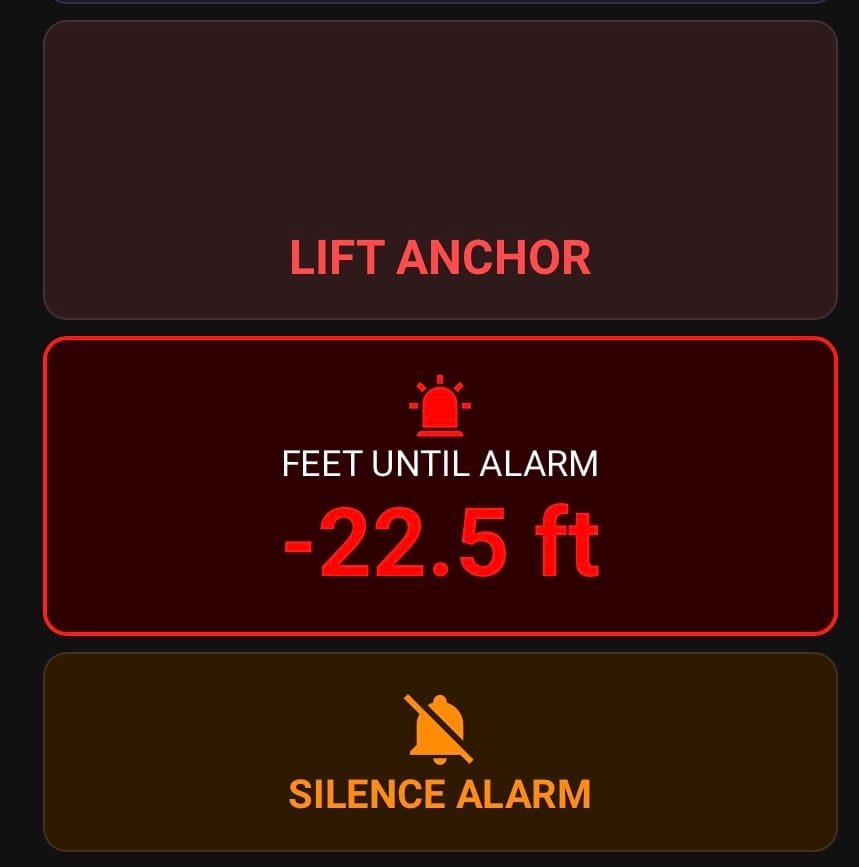
We also switched the warning threshold from a percentage of the alarm radius to a fixed number of feet. With a tight alarm radius, the percentage math sounded the alarm constantly and we started ignoring it. Fixed feet from the edge works regardless of how tight the radius is set.
Early Warning System
Two things get watched before the position alarm ever sounds. Apparent wind angle: at anchor the boat should sit roughly nose-to-wind. If AWA drifts outside a wide window and stays there for 30 seconds, it warns. We had to widen this window and ignore wind speeds under 5 knots because in light air the wind vane spins freely and reports garbage, which set off false alarms.
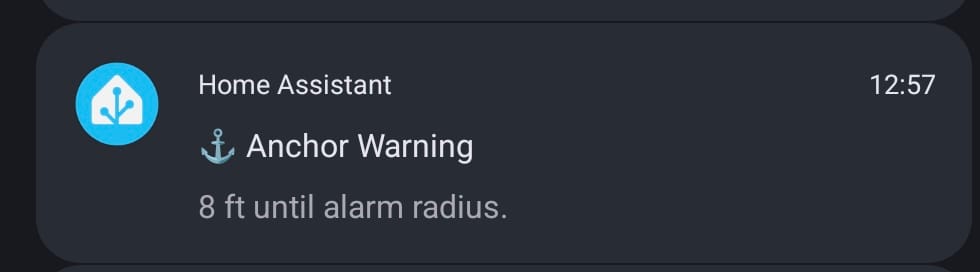
Speed over ground: should be near zero at anchor. Sustained SOG above 1.2 knots for 30 seconds triggers a warning. We raised this from the original 0.5 knots after our GPS noise floor kept tripping it on calm nights.
If both fire at once, that's a critical alert and bypasses Do Not Disturb on both of our phones.
GPS Staleness
SignalK has several sources of GPS signals so we have redundancy in what is fed to the anchor watch system. However, if the SignalK system drops for some reason, the anchor watch has no position to check against the alarm circle. It's blind and we don’t know it. We added a check: warning at 30 seconds without a GPS update, critical at 60 seconds, all-clear when it comes back.
The depth-based calculations don't break when instruments are off, either. Depth gets saved at the moment we drop anchor and reused from there, so scope and rode stay accurate even with the depth sounder powered down.
Notifications and the Siren
My phone gets notified directly. Holly's phone and the Zigbee sirens are triggered by a separate automation watching the alarm sensors. Critical alarms run the siren loud for 30 seconds. Warnings use a quieter tone for 10 seconds. There's a real difference between "look at this" and "get up now," and the system should sound different for each.
We added a confirmation prompt on the Lift Anchor button after hitting it by accident a few times. One bad tap there would have wiped the whole session.
Setting and lifting the anchor now sends a confirmation notification too: “Anchor Watch Active, radius 235 ft, rode 136 ft, scope 5.7:1.” That started as a convenience. It also proves the notification path is alive at the exact moment we’re paying attention to it. We found that out the hard way: a notification target got misconfigured and my phone stopped receiving alerts for weeks. The siren and Holly’s phone still worked, so nothing looked broken. A safety system that fails quietly is worse than one that fails loudly, so now every anchor set is a live test.
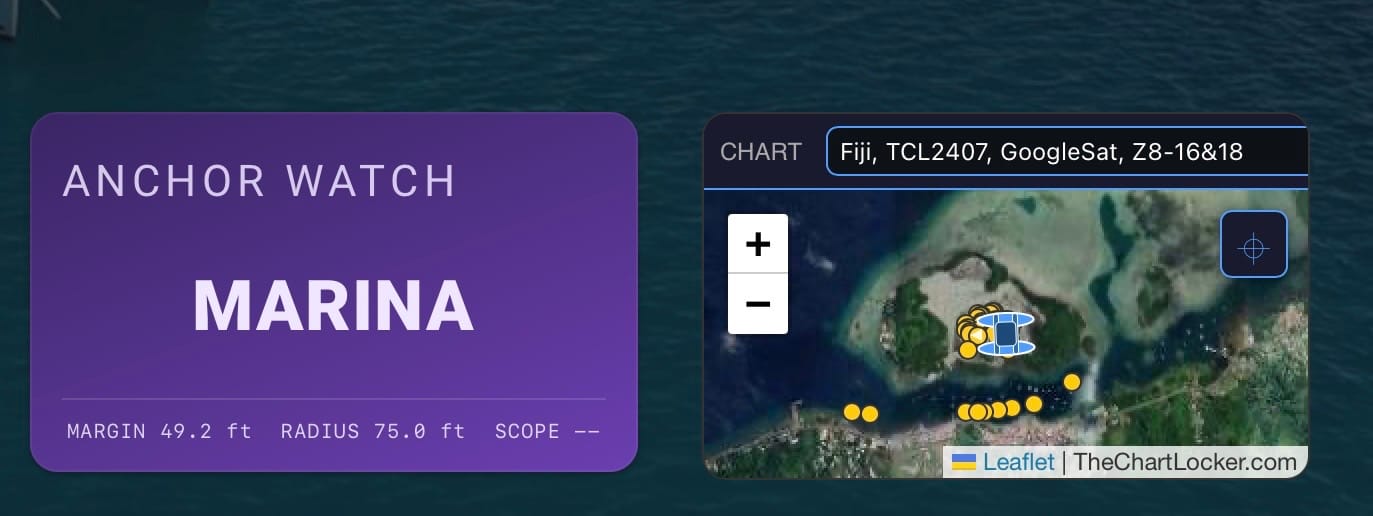
Marina Mode
The anchor watch does its job when we're aboard. The other case we needed to cover is Sabado sitting in a marina slip for weeks while we're off the boat, and sometimes out of the country.
A normal anchor alarm doesn't work in a slip. The wind shift warning fires constantly because a docked boat doesn't weathervane, and the rode and scope geometry is meaningless. So, marina mode is a separate state with one button, no drop-and-set sequence: it records where the boat is, sets a tight radius, and starts watching the things that actually matter when nobody's aboard.
Position and speed over ground still get monitored since a boat moving in a marina is always wrong. It also watches the systems that fail while nobody is aboard to notice:
- Battery state of charge- We rarely plug in at marinas because our solar is good enough that we don't need to, so the alert is built around living on solar rather than around shore power dropping out. The threshold has to tolerate a normal overnight dip and recovery, and only complain when something is genuinely wrong.
- Solar yield- If the array produces almost nothing by mid-afternoon, something has failed, a controller, a breaker, DVCC. That's actionable well before the batteries ever get low.
- Refrigeration- This one needed care. Our status cards already distinguish "fridge is off" from "fridge is failing" by looking at how warm it actually is, a box reading ambient is deliberately shut down, but a box at 58°F while running is dying. Marina mode reuses exactly that logic so we don't get nuisance alarms after emptying the freezer before a flight home. The wrinkle we had to solve: a freezer that fails while we’re away climbs through the alarm range and eventually reaches ambient, at which point it reads as “off” and the alarm clears itself. The failure would hide. We tried latching the alarm so it stayed fired until we got back, and that turned out to be worse. A temperature spike from loading provisions left a sticky alarm we couldn’t clear without ending the session. So instead of holding the alarm, marina mode notifies on every transition, including the one where a box drops into the “off” band. The current state can go back to normal on its own, but the run of messages doesn’t.
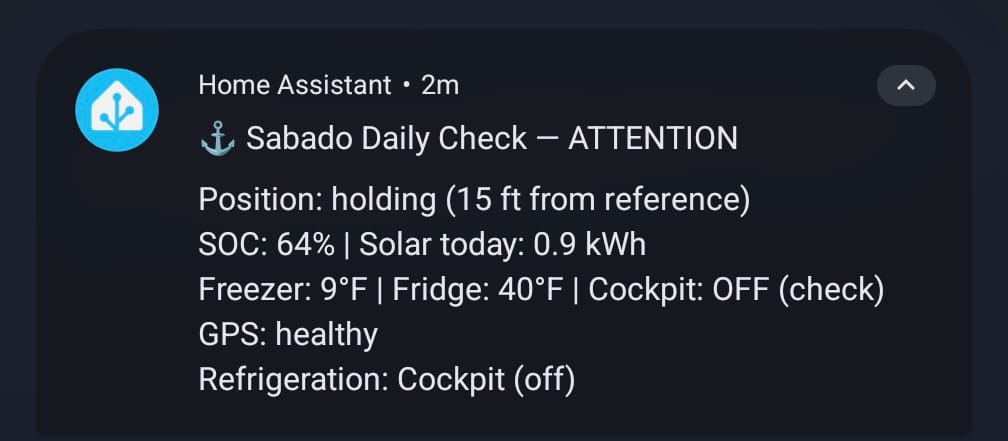
The other half of marina mode is a daily heartbeat. Every morning both our phones get a status snapshot: position, state of charge, solar yield, fridge and freezer temps, GPS health. Silence for three weeks is ambiguous when you're a thousand miles away, is everything fine, or did the whole system die on day two? A daily message turns silence into a signal. If we stop getting it, something is wrong.
That same logic is why an unexpected reboot sends a notification. HA restarting while we're away is exactly the kind of thing we want to know about, not have papered over.
The Chart
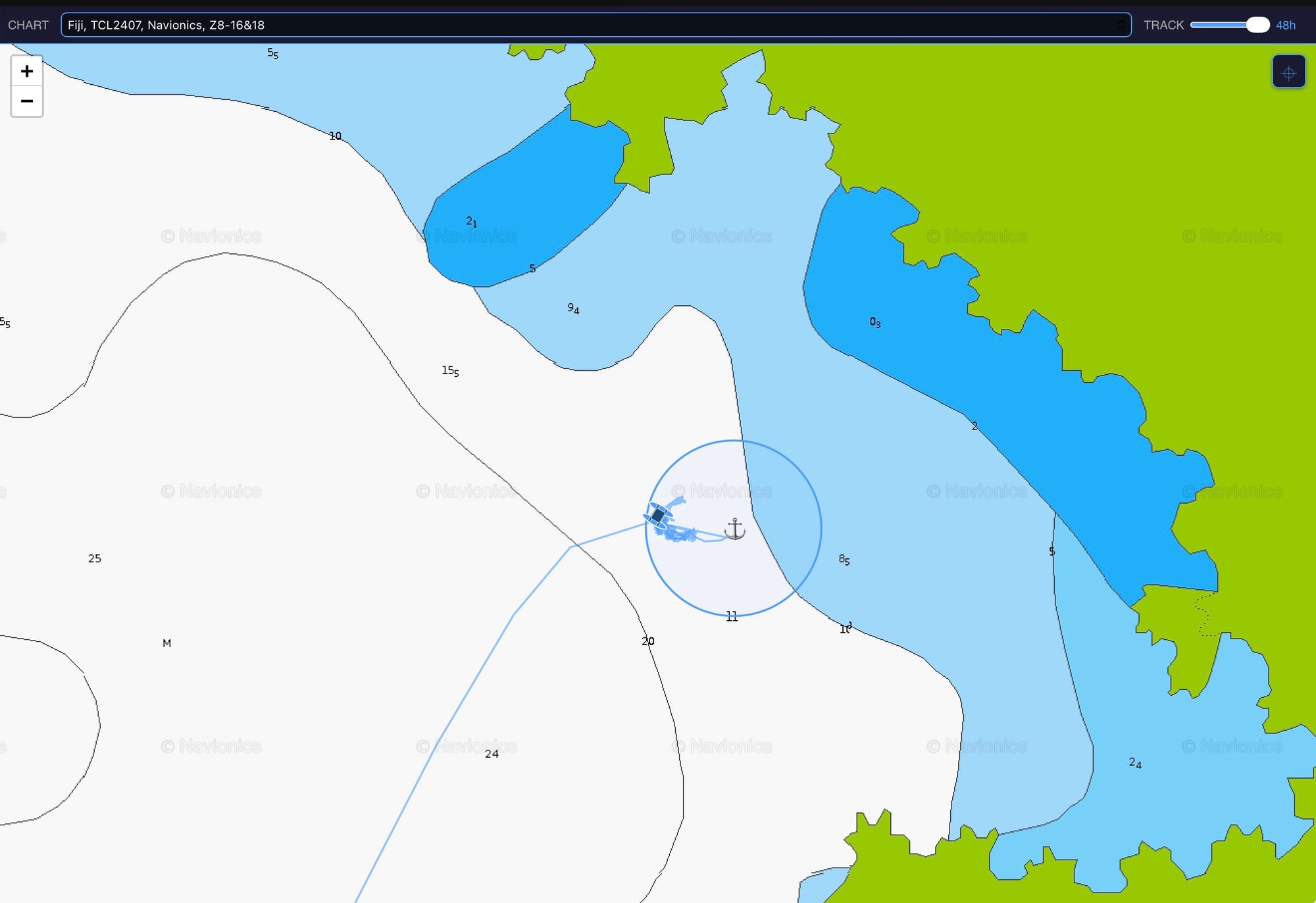
The map panel runs MBtile charts from The Chart Locker, plus Google and Bing satellite imagery, all served locally off our Unraid server through TileServer-GL. We've got tiles loaded for all of our cruising grounds.
It shows a top-down catamaran icon rotating with magnetic heading, the anchor position, the alarm circle, and AIS targets from SignalK. Track history comes from InfluxDB rather than Home Assistant's own history since HA only logs geo_location on state change and gave us a track with maybe a dozen points over 12 hours, which was useless. InfluxDB has a position logged every half second, so we downsample it and get a smooth line. There's a slider now for how far back to show, from 1 to 48 hours.
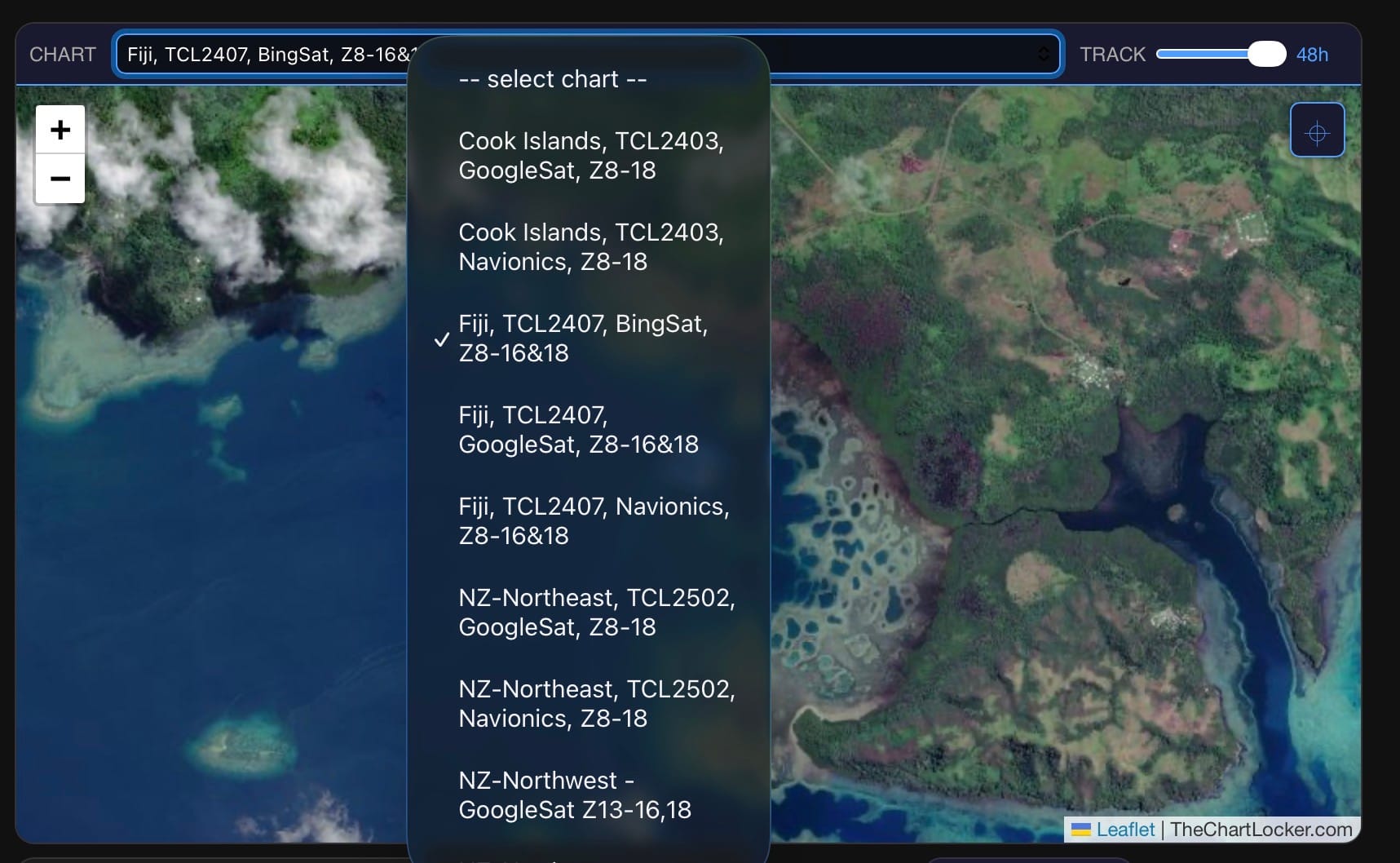
The page reloads itself periodically so the browser doesn't choke on data after a few days at anchor.
What We'd Do Differently
The rode geometry took a few attempts before it was right. We initially had the depth formula wrong (I have to turn in my engineering card…), and the rode calculation just used a flat scope ratio instead of the actual measured distances. I blame focusing on code rather than the basic math on this one. The early warning thresholds needed real-world tuning more than once. What looked fine on paper set off false alarms the first night we actually used it in light wind.
GPS staleness detection should have been in the first version. We added it after the fact, but losing position while anchored is the kind of failure that should be caught from day one.
The bigger lesson is about the failures you can't see. Every serious bug we’ve hit has been a silent one: notifications that stopped sending, a freezer alarm that cleared itself, marina mode that never restored its dashboard after a reboot even though it was still running underneath. Most of the work has gone into catching those, not into the alarms you can hear.
Everything lives in git, which has saved us more than once when a change went sideways. If you build something like this, commit early and commit often.
What's Next
We're trying to get the anchor watch page to show up on our B&G Zeus 3S chartplotter. Navico has a UDP multicast protocol for broadcasting web apps to their MFDs, and we're still chasing the exact JSON format their devices expect. The Victron app on the same network works, ours doesn't, yet.
We also want to fold the separate safety-monitoring script, the one pulling earthquake, weather, and health data based on our position, into this same dashboard.
One more idea we keep coming back to: painting exclusion zones directly on the chart. Anchoring off a reef, the wind usually holds us over open water but if it dies we could swing or drift onto coral that's well inside our alarm circle. A drawn no-go polygon, checked independently of the swing radius, would cover that.
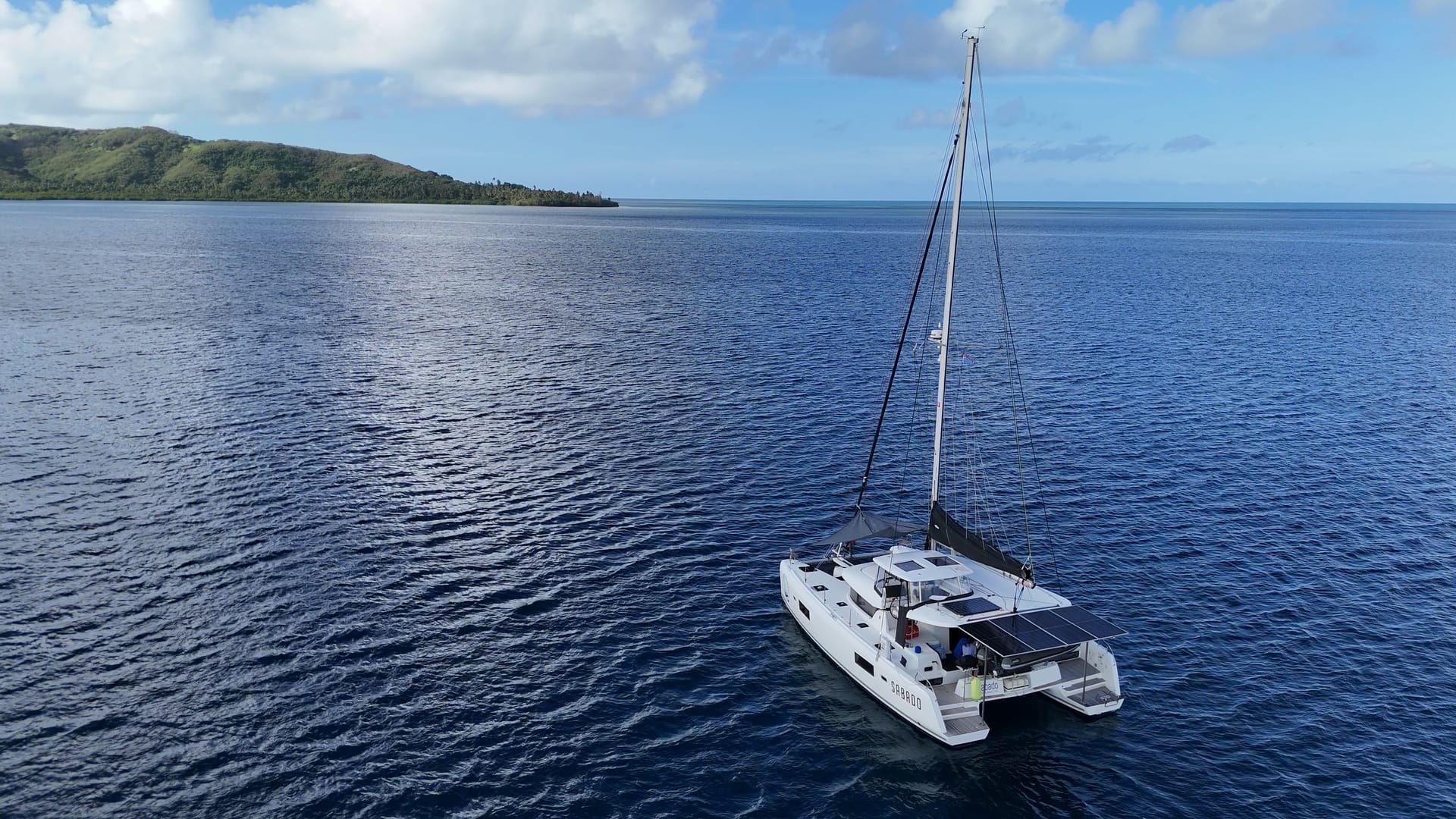
The integration and map panel code are both available to our paying members here. They're built specifically for Sabado's setup and will need changes for anyone else's boat, but the rode and alarm math should hold up. Let me know if you're looking to implement them and I'll try to help as much as I can.